Install. Add packs. Create.
A short guide to your AA Power Stock extension.
Install the extension
Download the ZXP extension.
Download AA Power Stock to your computer.
Install with a ZXP installer.
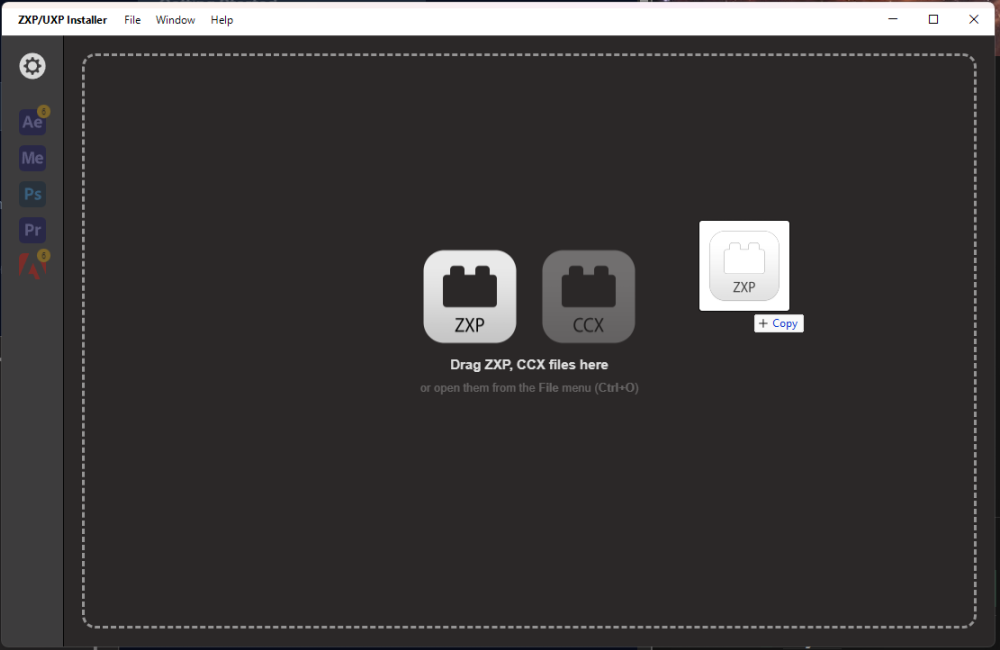
Close your Adobe apps. Open your ZXP installer and drag the downloaded .zxp file into its window. Wait for installation to finish.
Open AA Power Stock.
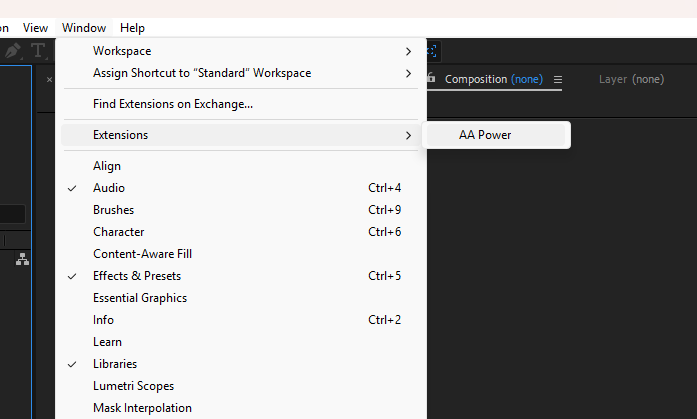
Restart your Adobe app. In After Effects, choose Window → Extensions → AA Power. Depending on your app version, the menu may be called Extensions (Legacy).
Add motion packs
Get a pack.
Download a pack from Envato Elements and extract its archive to find the .aap package.
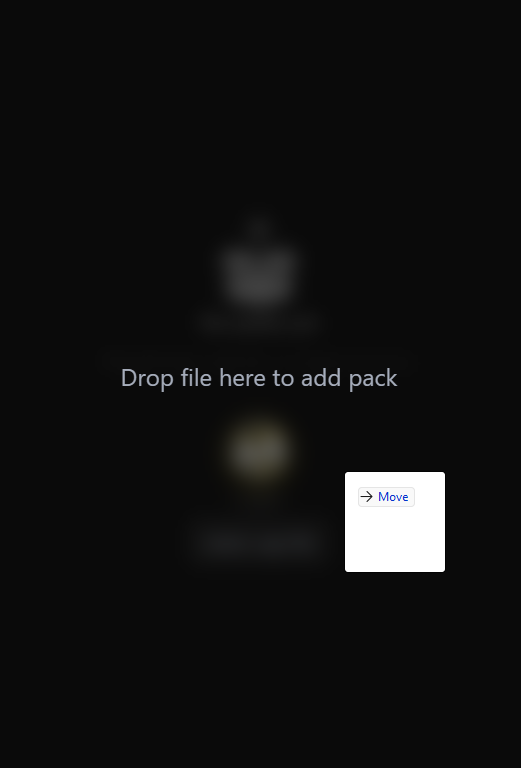
Drop the package into AA Power.
Drag the .aap file into the extension, or use the add-package button. Wait for the import to finish.
Switch between packs
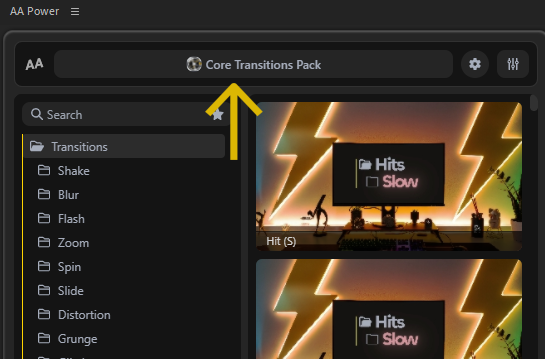
Click the current pack name at the top of the panel. Select another installed pack in the Package Manager.
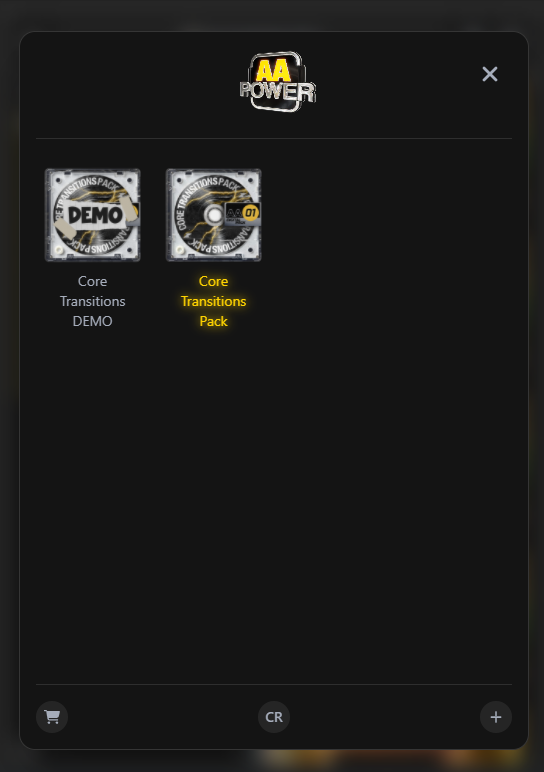
Remove a pack or the extension
Remove a pack
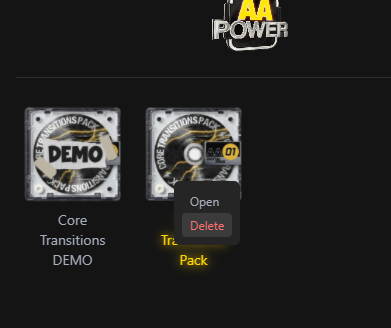
In the Package Manager, right-click the pack and choose Delete. Keep a backup of any custom files before removing it.
Remove the extension
Close your Adobe apps and use your ZXP installer’s uninstall option. Reopen the apps after removal.